 Join the Discord Community!
Embroidery Digitizing Made Simple
Build, share, and explore a vast collection of embroideries for free,
with no installation necessary.
✨ Start creating your own embroideries now!

Our Community
Join thousands of creators digitizing their embroidery designs
40k+
Active Users
85k+
Embroideries Created
1k+
Discord Members
10+
Export Formats Supported
From idea to embroidery, 3 simple steps
It's really this simple.
1. Upload an image
You can drag and drop an image onto the canvas, or start from a blank canvas and build your design shapes and text
Multiple ways to begin
- •Start from a blank canvas
- •Drag and drop an image. We support PNG, JPEG, SVG, EPS, WEBP, and HEIC
- •Modify an existing machine file

2. Digitize your design
We offer multiple ways to digitize your design, from fully automatic to complete manual control, or a mix of both.
3. Export and embroider
Export to your machine's supported file type and start embroidering your creation.
Machine file formats supported
- •PES
- •DST
- •EXP
- •JEF
- •VP3
- •Plus many more!
Choose a plan that works for you
Get started with Ember today and enjoy more features with our pro plans.
Free
For most individuals
$0
All digitizing tools
Pixel art editor
Up to 5 private projects and 10 published projects
7 fill patterns
23 resizable fonts
3 run types
Export in multiple file formats
Community support
Commercial use
Pro
For small businesses
$9.99/month
Auto digitize images
Pixel art editor
Custom fonts (TTF, OTF, TTC) + 23 built-in fonts
Unlimited projects
All digitizing tools
Click-to-stitch
Version history
Auto save projects
34 fill patterns
Gradient fill
10 run types
Automatic redwork digitization
Map to path
Export in multiple file formats
Community support
Priority support
Simple to start. Professional when you need it.
Whether you're a beginner or an expert, Ember scales with you, from one click auto-digitizing to full control over every stitch.
Digitized with Ember
Studio-quality detail, stitch by stitch
Under the hood, Ember's advanced algorithms handle fills, runs, and stitch routing so you can focus on what matters most: bringing your ideas to life.
- •Advanced algorithms produce quality fills, gradients, runs, and more
- •Auto-routing handles start/end points and stitch order for you
- •Built for beginners and advanced digitizers alike

Auto & manual digitizing
Auto-digitize any image in a single click, use guided click-to-stitch, or take full manual control over every path, node, and stitch.
- •One-click Auto Digitize
- •Click-to-stitch for guided regions
- •Full path & node editing
Realistic rendering
Preview your design with a stitch-accurate renderer that shows how fills, runs, and satins will look on fabric, so you know what you're getting before you hit the machine.
- •Stitch-accurate preview
- •See fills, runs & satins clearly
- •Catch issues before you stitch
Fine-tune every detail
Go beyond the basics with the same controls pros rely on: density, underlays, stitch angles, pathing, tie-ons, tie-offs, trims, and more.
- •Density & underlay control
- •Pathing & stitch angles
- •Tie-ons, tie-offs & trims
Multiple export formats
Export production-ready files for nearly any embroidery machine — no converter apps or extra software required.
- •PES, DST, EXP, JEF, VP3
- •Plus many more formats
- •Export rendered images
Explore & share designs
Browse thousands of community embroideries for inspiration, remix ideas, or publish and share your own creations.
- •Community design gallery
- •Publish your projects
- •Discover new techniques
Cloud storage & sync
Every project saves to the cloud automatically, so you can leave a design on your desktop and finish it on another device.
- •Automatic cloud saves
- •Access from any browser
- •No files to lose or transfer

Your designs, anywhere
Ember runs entirely in your browser. No installs, no downloads. Digitize on desktop, laptop, or tablet, then open a project on your phone to review it or make minor adjustments on the go.
- •Create on desktop, laptop, and tablet
- •Phone is great for viewing and making adjustments on the go
- •No downloads or installs, just open your browser
✨ Start creating your own embroideries now!
Trending in the community
Browse designs shared by creators on Ember — get inspired, then open any project and make it your own.
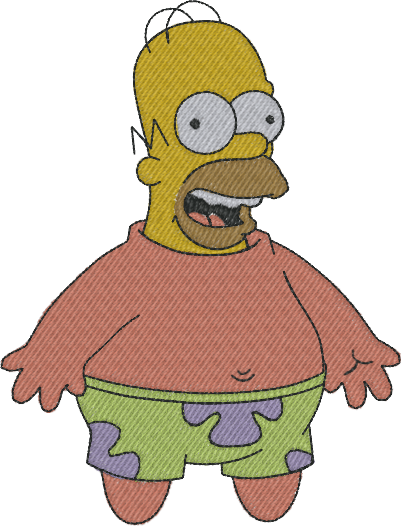
Homer Star
@numbersinmotion
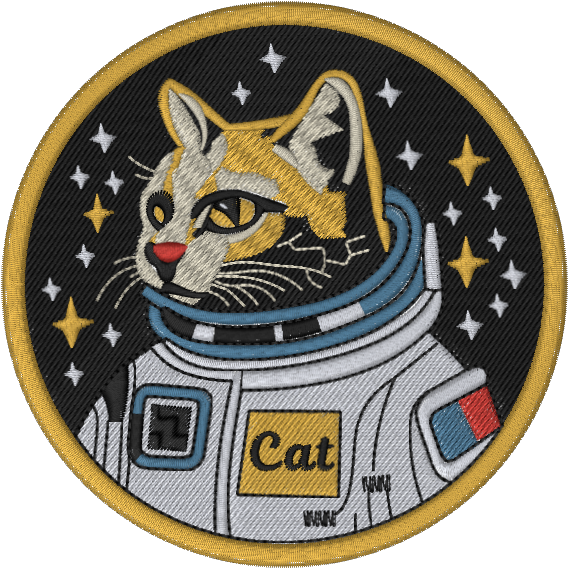
Space Cat
@coryortega
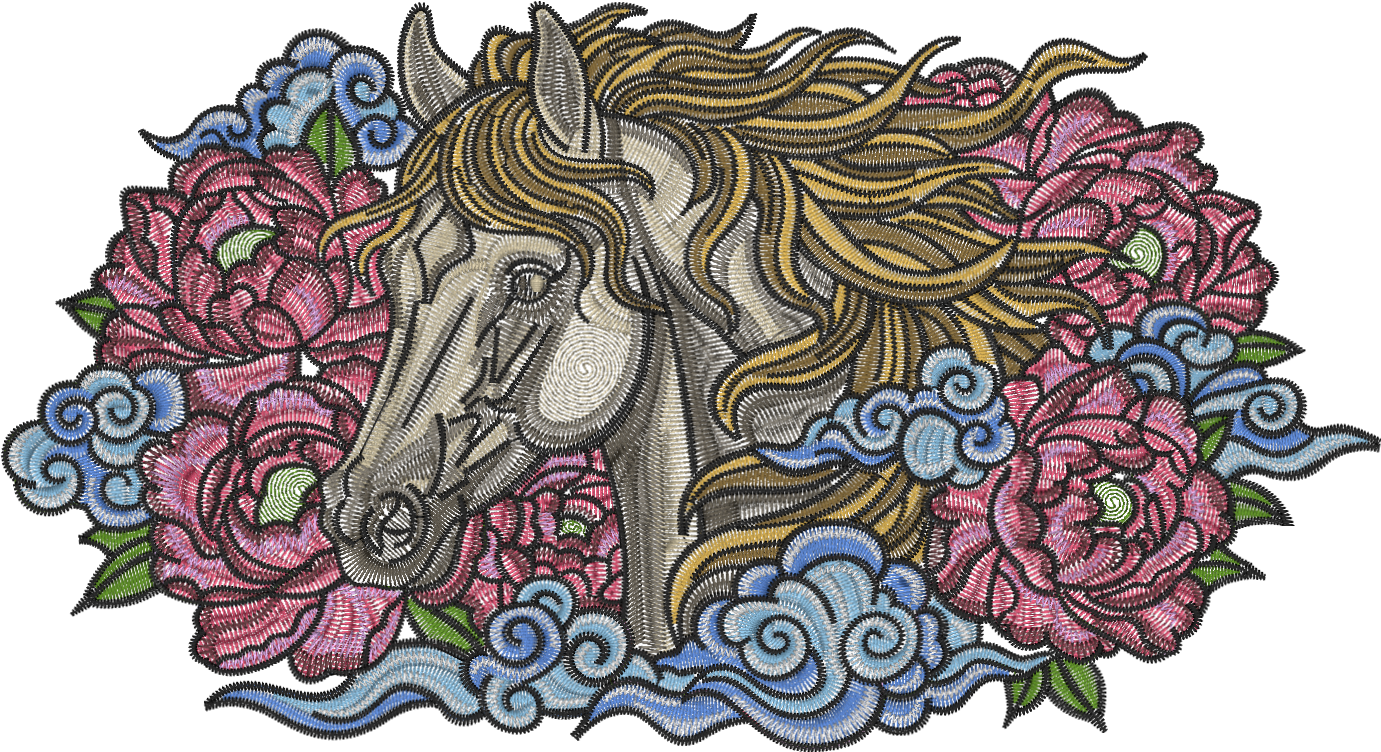
Year of the Horse (23 x 13 cm)
@tl.solidfoundation
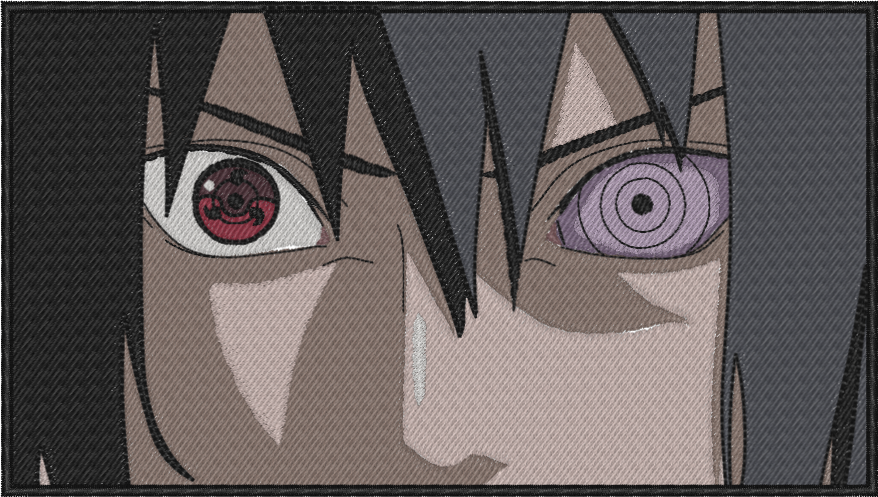
sasuke uchiha
@bruno
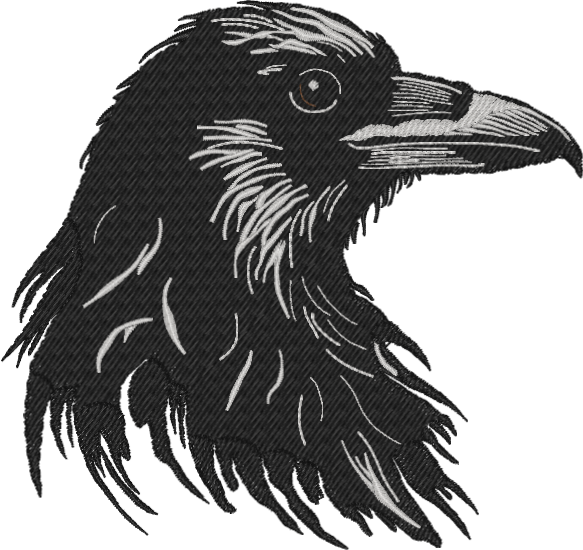
Raven
@emblove
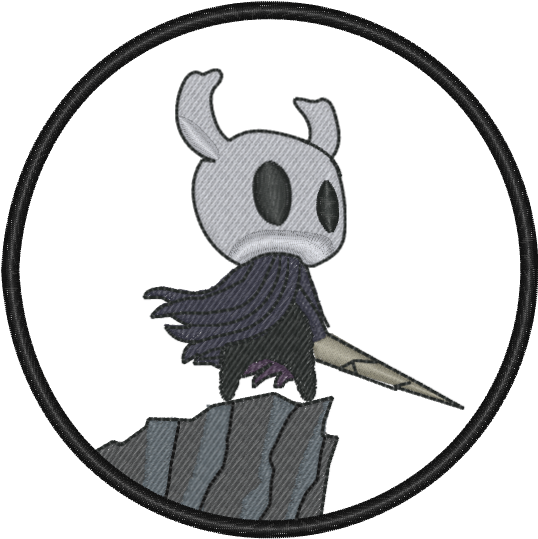
hollow knight game cover
@encrypted_cu
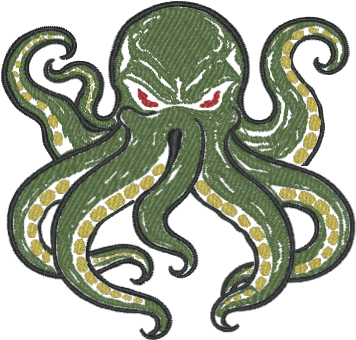
Release the Kraken
@jonibert
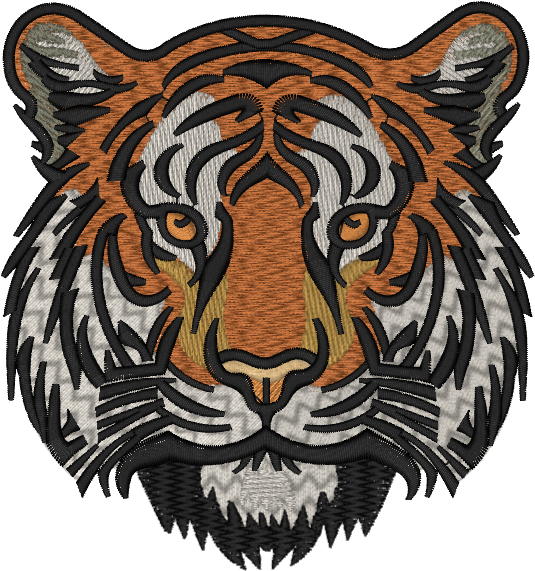
Tiger
@coryortega
Homer Star
@numbersinmotion
Space Cat
@coryortega
Year of the Horse (23 x 13 cm)
@tl.solidfoundation
sasuke uchiha
@bruno
Raven
@emblove
hollow knight game cover
@encrypted_cu
Release the Kraken
@jonibert
Tiger
@coryortega
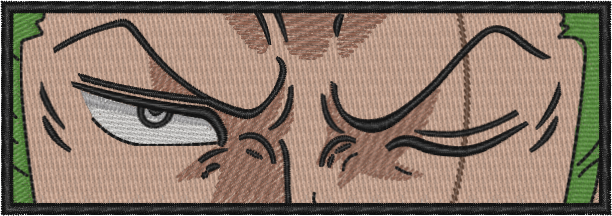
Zoro
@coryortega
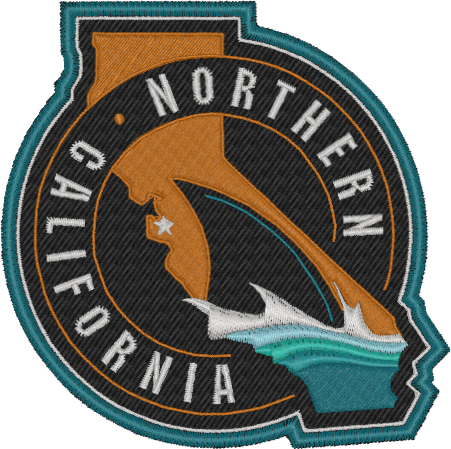
SJ Sharks stadium series shoulder patch
@sharkaholic_12

Did Someone Say Library
@donevin
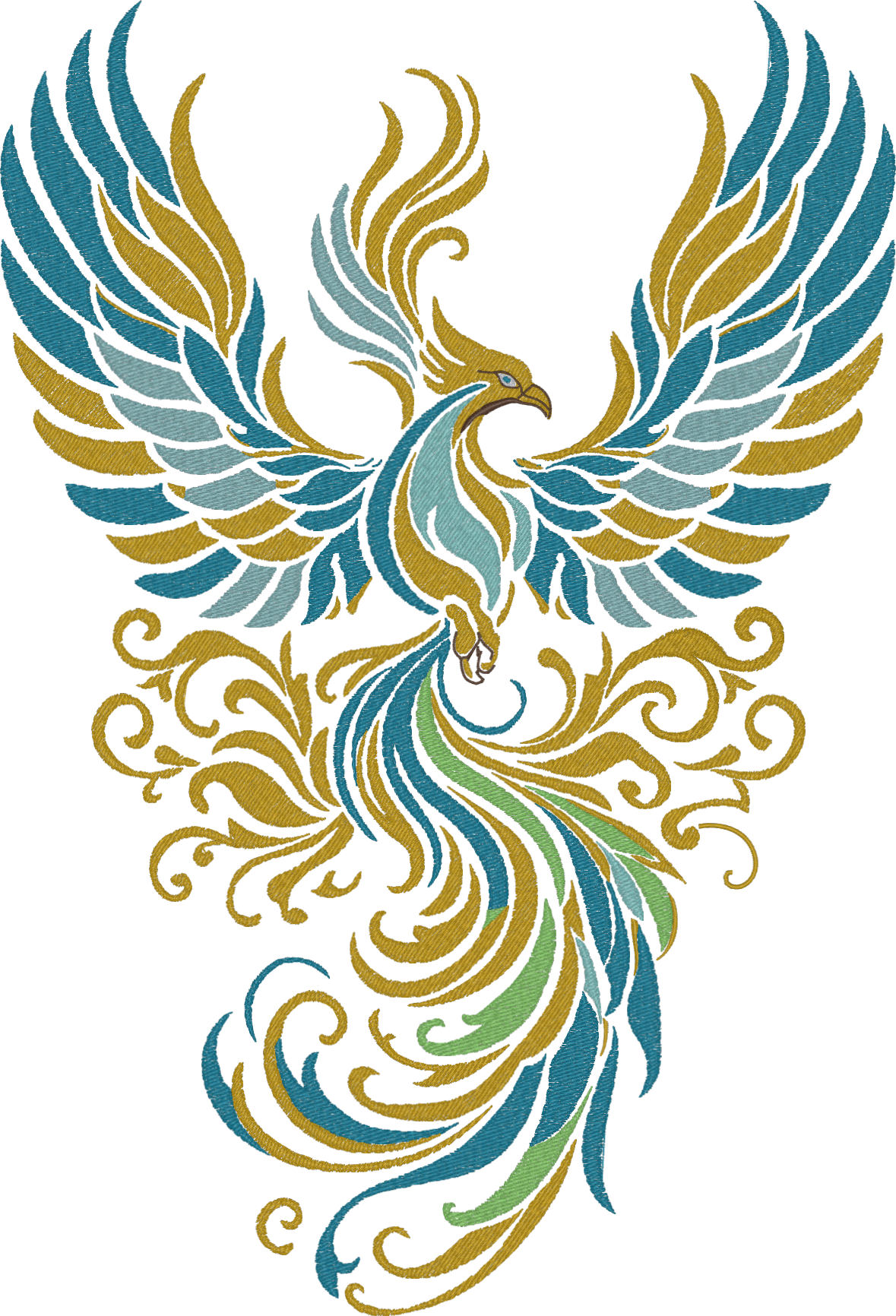
Fenix
@miermp
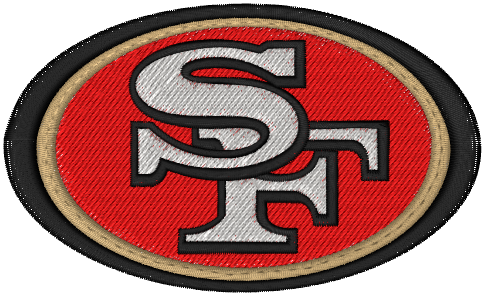
49ERS
@keanna.14
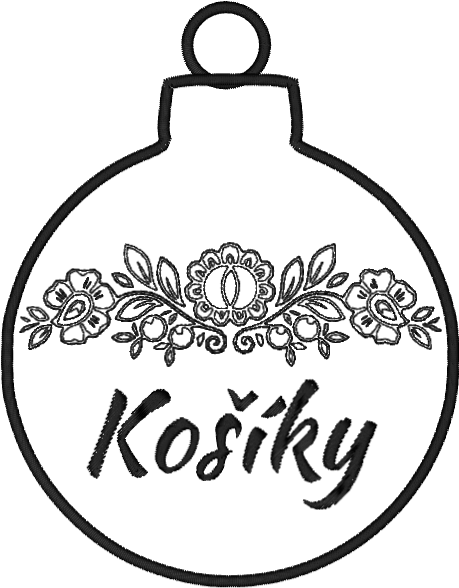
banka motiv ok
@kaonkaon
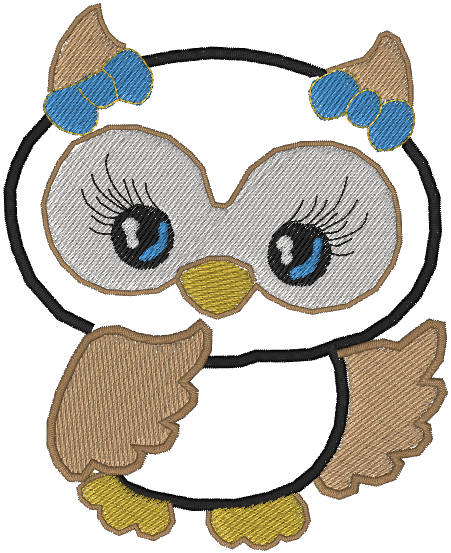
Untitled Embroidery
@naomi08
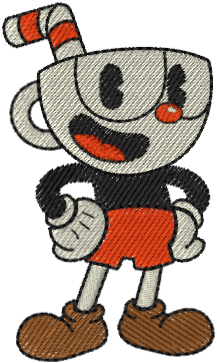
Cuphead
@bobbyjg
Zoro
@coryortega
SJ Sharks stadium series shoulder patch
@sharkaholic_12
Did Someone Say Library
@donevin
Fenix
@miermp
49ERS
@keanna.14
banka motiv ok
@kaonkaon
Untitled Embroidery
@naomi08
Cuphead
@bobbyjg
What our users are saying
Here's what some of our users have to say about Ember.
@pilotdez19
Ember is incredibly intuitive and easy to use, even if you’re still learning the process. The interface makes digitizing feel straightforward and efficient, and the support team is outstanding—quick to respond and always helpful with feedback. It’s clear they genuinely care about helping users succeed. Highly recommend!
@germster
Ember is a literal God-send. I've tried Inkstitch and I have Embrilliance Essentials and Enthusiast for digitizing with embroidery and I've spent hours watching tutorial videos on how to operate those systems to no avail. I was able to learn and navigate Ember within the first 20 minutes of creating an account and have had no issues. It's my favorite digitizing program so far and I am so thankful for the fact that it's free versus other programs charging up the rear for theirs.
@sir_burnt
As a small artist who was struggling to find and learn digitizing softwares, Ember is the perfect site! I love how beginner-friendly the tools are and it's made digitizing accessible to everyone. The developers seem to have a genuine passion for this project and I'm looking forward to what they offer in the future!
@harris11ax
Ember is the first digitizing software I've ever used and I feel so lucky. The UI is intuitive and approachable for beginners. I'm able to quickly download designs to my USB, test them on my Brother machine, and then go back to Ember to quickly make adjustments. I like sharing the designs I'm proud of on the Explore page, and looking at the impressive work that other people make. Thank you, Ember!
@Rosie1217
Ember has become one of the most amazing and useful embroidery digitizing softwares I have found. I was originally using inkstitch and that made me wanna give up on my embroidery then I saw an Ad from Cory on Reddit and oh boy has my skill and enjoyment of embroidery grown!
@ammie
Ember makes digitizing your artwork an absolute breeze. It’s incredibly user-friendly and truly puts creativity at your fingertips. If you're looking for a way to digitize your art, this is it!
@nantokanaru
when i first discovered machine embroidery, i knew i couldnt make my own desired patches and always scrolled through those free embroidery file websites that had unwanted patches. that was until i found ember!! i am so blessed to have found this website after scrolling through reddit for advice. it is so easy to navigate and use! and most of all, its free among the digitizing programs that cost thousands. i believe this website is priceless. i have made so many cute patches with such ease. thank you so much to the devs!!
@Queenevaofgrim
This is my first introduction to embroidery software. I couldn't imagine paying the price for some other digitizing software when I didn't even know what I was doing. Now after having used Ember, it really does all I need. Thank you for allowing me to learn, and grow my hobby on my terms and prices!
@oxomoco
Ember is such an amazing resource that really made it possible for me to get into digitising my own designs. It's quite intuitive to use and while not having every single function the extremely expensive professional digitizing softwares have, the fact that Ember is free and easy to use more than make up for it. It also comes with an amazing community on the discord, where both the creators behind Ember as well as other embroiders are extremely helpful in answering questions or troubleshoot in case you get stuck. Would really recommend it to anyone who wants to get into embroidering their own designs.
@Nmbr1Spud
Using Ember has been so great for me! I am a beginner in embroidery and did not want to spend big bucks on software to digitalize my own designs, but finding Ember has allowed me to create custom designs and go deeper into my embroidery hobby!!
@dollybdarlings
I cannot believe how easy to use this program is! I went from never digitizing to stitching my own designs in less than a week. I recommend this program to anyone who is looking for an embroidery program that doesn't cost an arm and a leg! I am so glad I found this so early in my journey.
@encrypted_cu
Taught me to do custom embroidery! This is how I spend my free time now.

@barbedwiregarden

@sirburnt

@baraqiyal

@ttl

@rubyrarri

@ammie

@dubscosplay

@cannibal

@emma

@rosie

@ammie

@coryortega

@whisper

@zanzarus

@encrypted_cu