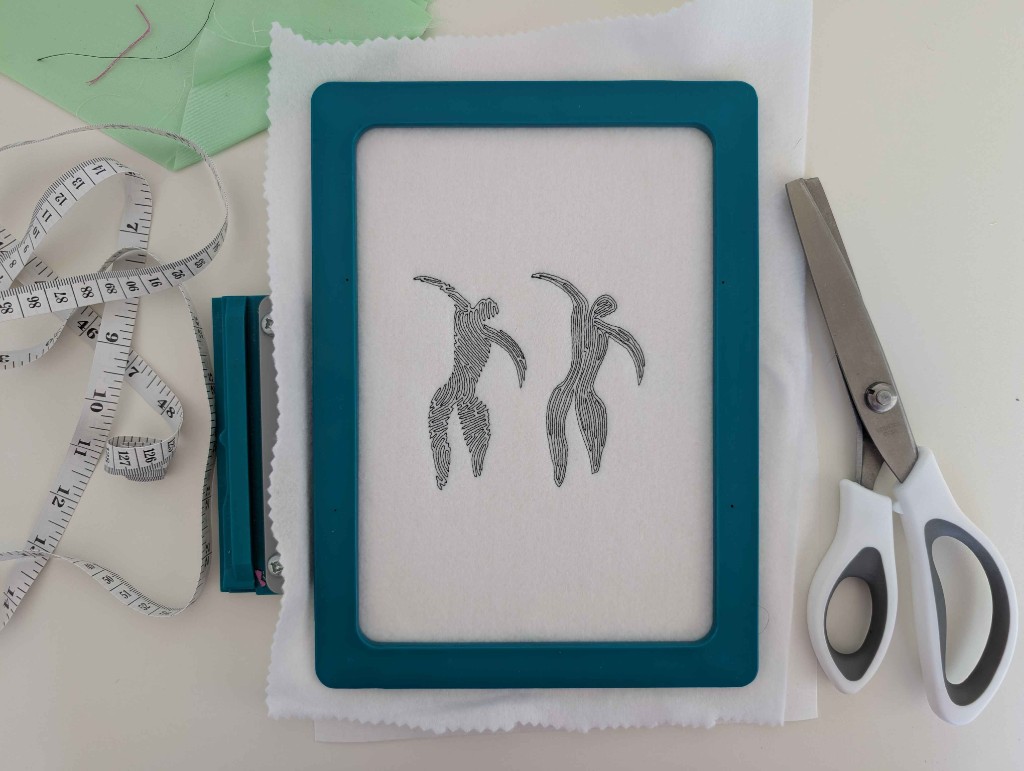
Contour and Wave fills
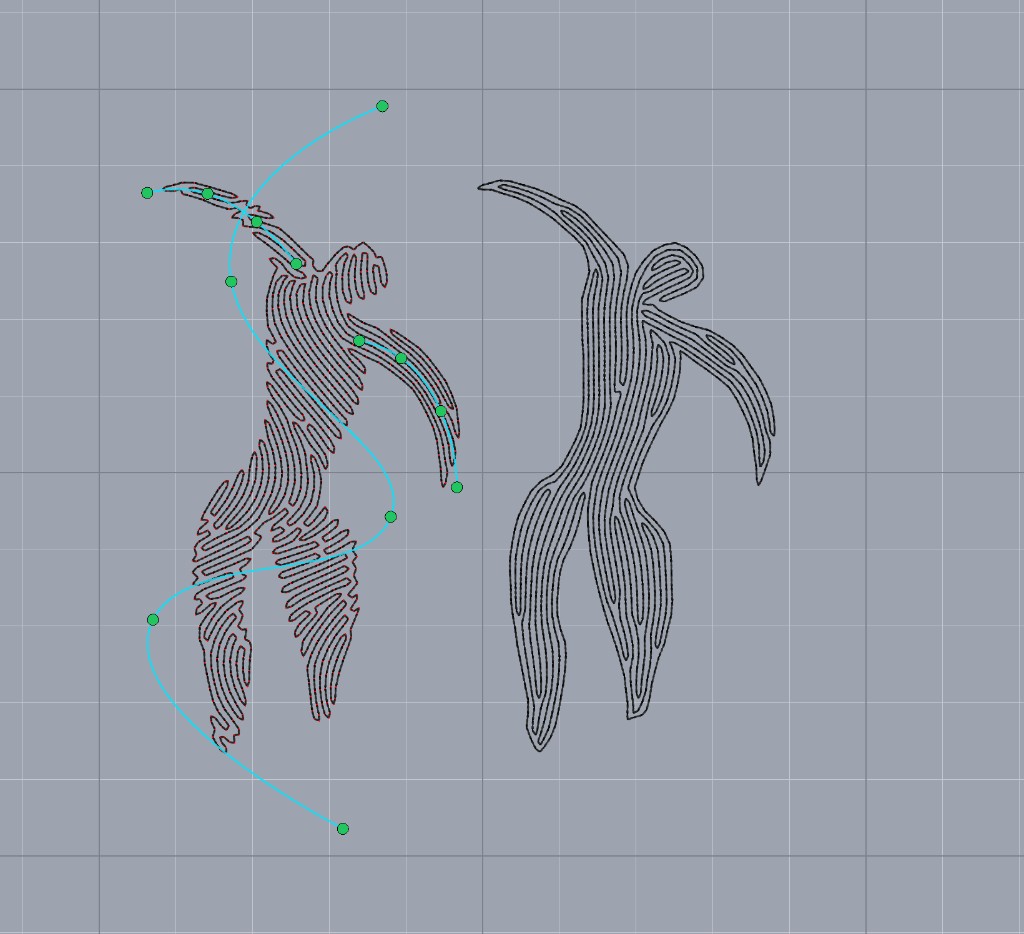
Contour follows the outline. Wave Fill follows flow fields you draw, the same way Streamlines do.
Contour and Wave Fill are new fills. Separation is the distance between neighboring lines in either one.
Contour takes its direction from the shape. The lines follow the outline, including holes. There is no stitch angle and no flow field.
Wave Fill uses flow fields, the same curved guides as Streamlines. Open Edit flow field and draw more than one. Each field bends the waves nearby, and together they carry the fill through the shape the way a set of streamlines would.