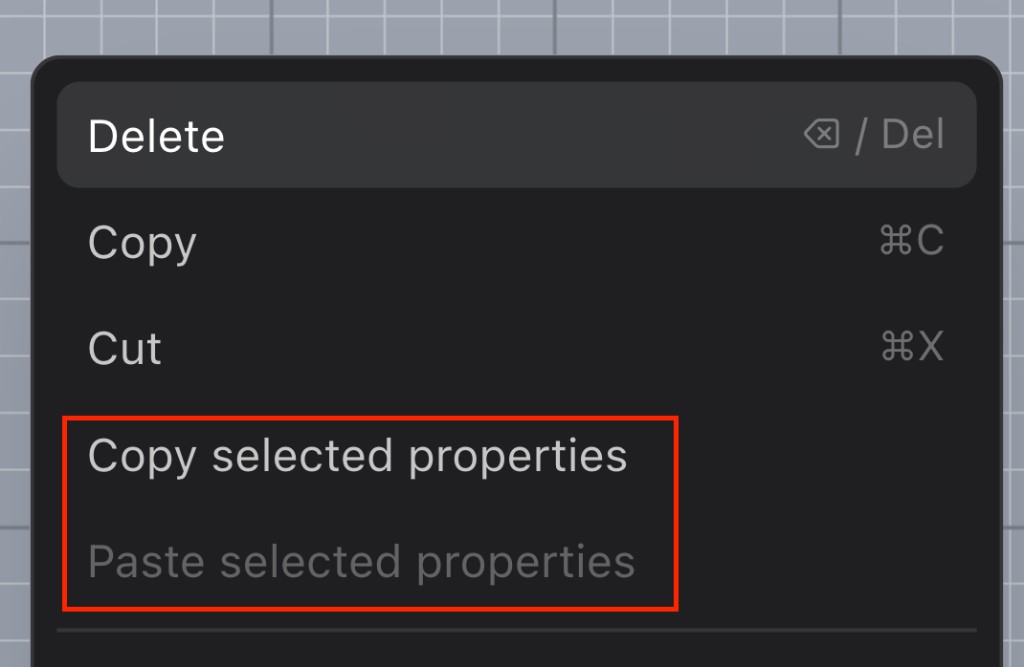
Spent ages dialing in a fill and now you want the same look somewhere else? Don't redo it by hand. Right-click the shape and choose Copy selected properties. Then select the shapes you want to match, right-click again, and choose Paste selected properties. That's it.
It's a big time saver when a design has lots of shapes that should all stitch the same way.