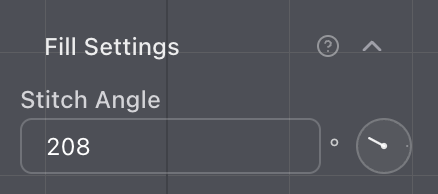
Set a fill angle with the dial
Drag the dial to set the stitch direction when a fill uses one angle.
Single-angle fills have the stitch angle dial again. In Fill Settings, drag the dial beside the angle field to turn the stitch direction. The number updates as you drag, and you can still type an angle if you already know the one you want.
The dial is disabled when a fill has more than one stitch angle. Those angles are set with Edit angles, not from this control.