See the shape under your pointer
Hover outlines a shape. Step through stacked layers, or tab through the sequencer.
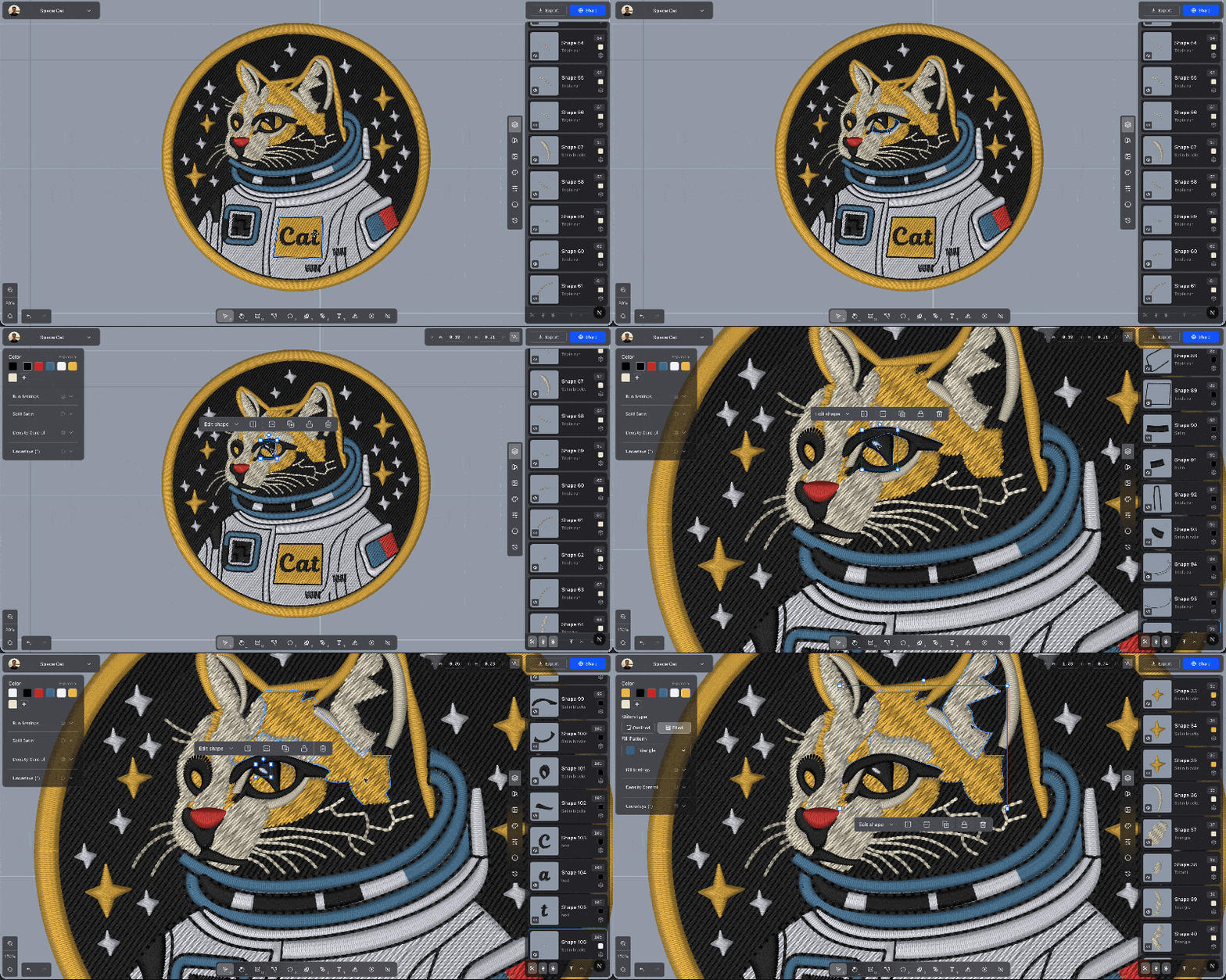
Move the pointer over a shape or an image and Ember outlines it. A locked shape uses a yellow outline. A shape in a group outlines the whole group.
When shapes are stacked, the outline starts on the top one. Keep the pointer there and press [ to select the shape underneath, then ] to come back up. A group or a path-along assembly is one step.
Tab selects the next row in the sequencer, and Shift+Tab selects the row before it. The walk wraps. With nothing selected, Tab starts at the first row and Shift+Tab at the last. A group or path-along assembly is one step, the same as clicking that row.
The outline and these keys work in Select. While you are typing in a field, Tab moves between fields.