
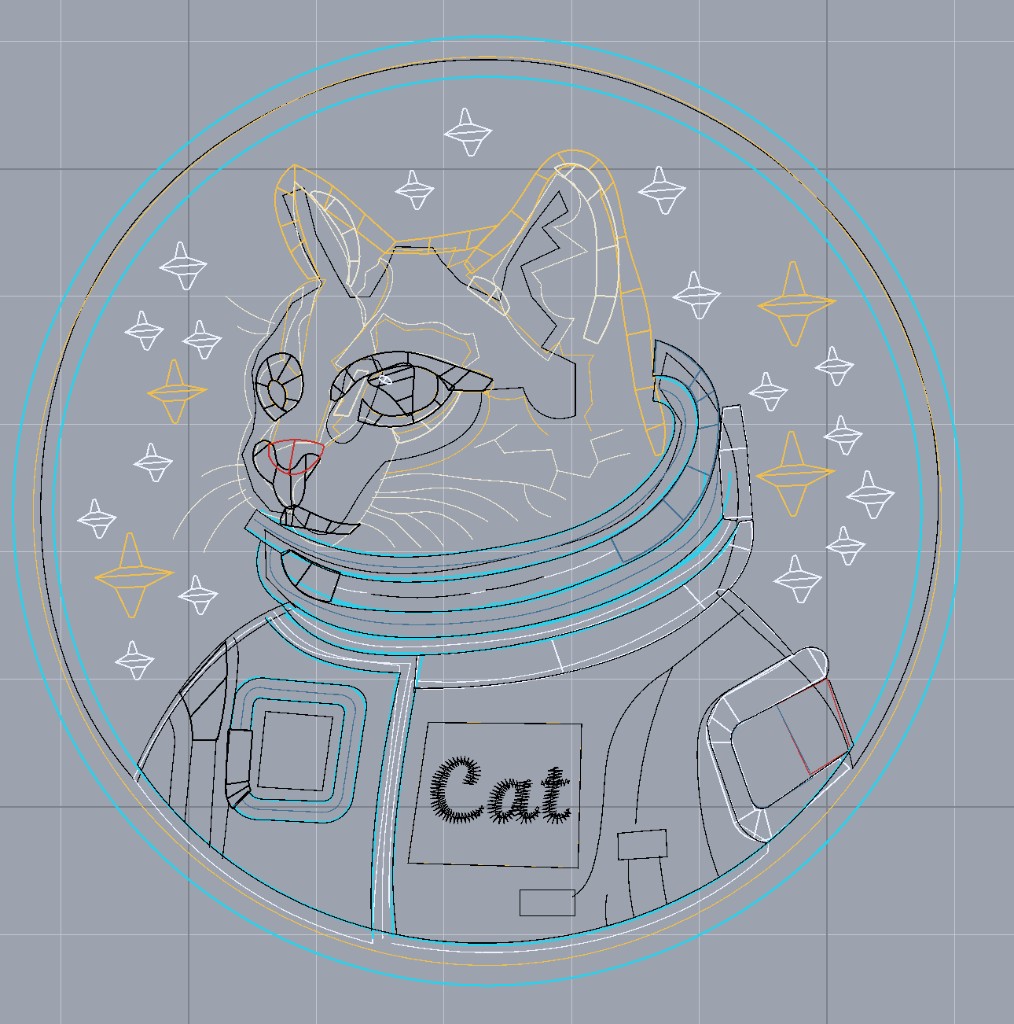
Shift + V turns on wireframe view. Each shape gets the same outline you see while reshaping, drawn over the stitches. It stays up in realistic view, and hidden shapes still show their outline. Press it again to clear them. The same switch is in Visibility.
J sets start and end on the shapes you have selected. Ember places them the same way Auto start/end does, next to the neighboring shape of the same color, and it works even when that switch is off. Points you already placed get a fresh automatic placement.