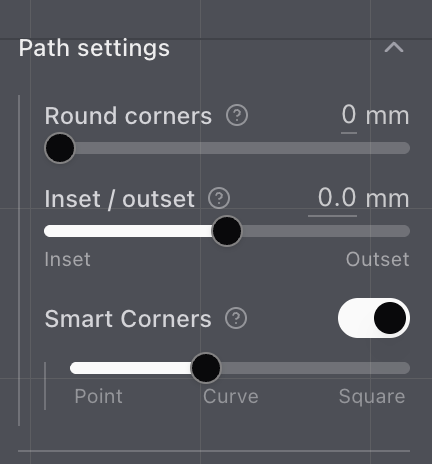
New path settings
Round corners moved into Path settings, and it works for fills now too.
Path settings is a new section in the shapes menu.
Round corners moved here. It now works for fills in addition to outlines. Turn it up, in millimetres, to soften sharp corners before stitching. Leave it at zero and they stay crisp.
Inset / outset nudges the sew path, also in millimetres. Positive grows a closed shape, and negative shrinks it. The slider runs from 20 mm inset to 20 mm outset, and it settles on zero when you pass close to the middle. An open path doesn't have an inside, so that slider stays tucked away. On a fill, the hole moves the other way, so it stays a hole while the fill grows.