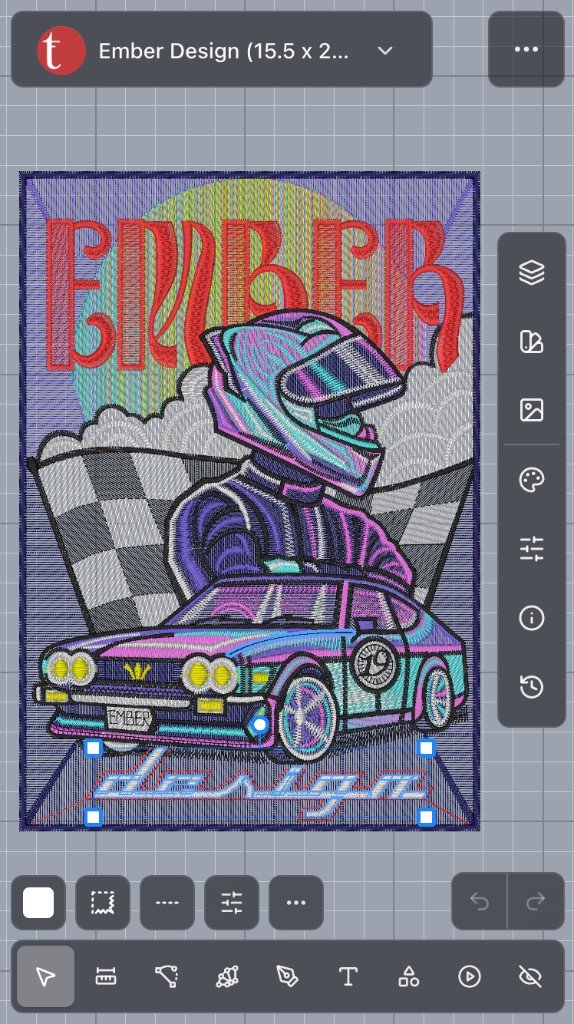
Ember is now fully supported on mobile devices! Is this the first time an entire digitizing suite has been fully usable on a phone? It might be.
Everything you need sits along the bottom of the screen. Your tools are in one row, and right above them are buttons for color, fill or run, and stitch settings. Tap one and a panel pops up with just that part of the menu.
Select a shape and the Shape actions button holds lock, duplicate, and everything else you'd find in the edit menu. Undo and redo are over on the right, where your thumb can reach them.