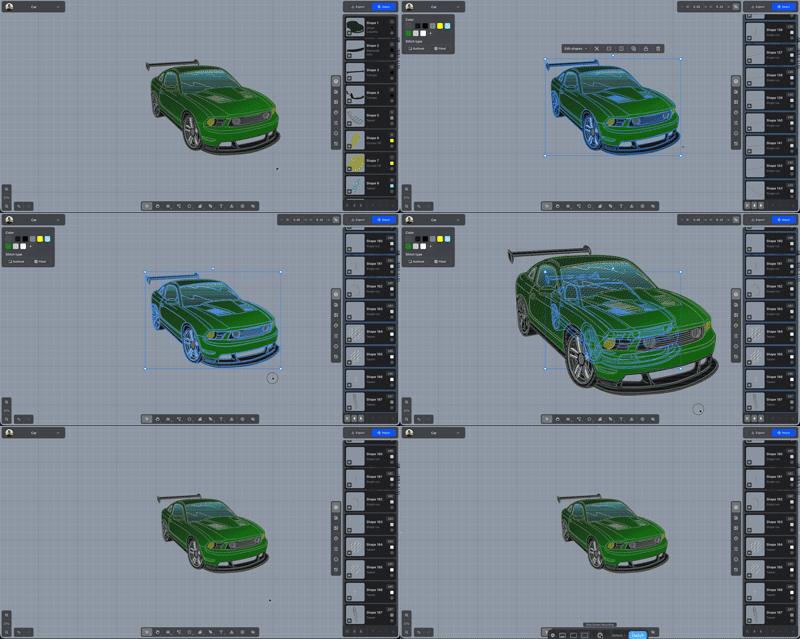
Resize from the center
Hold Shift while dragging a handle to grow or shrink around the middle.
Hold Shift while you drag a corner or side handle. The opposite edge moves by the same amount, so the selection grows or shrinks around its middle. Let go of Shift and the resize anchors to the opposite edge again.
Hold Ctrl at the same time to also toggle the aspect lock. On a Mac, that key is Cmd.