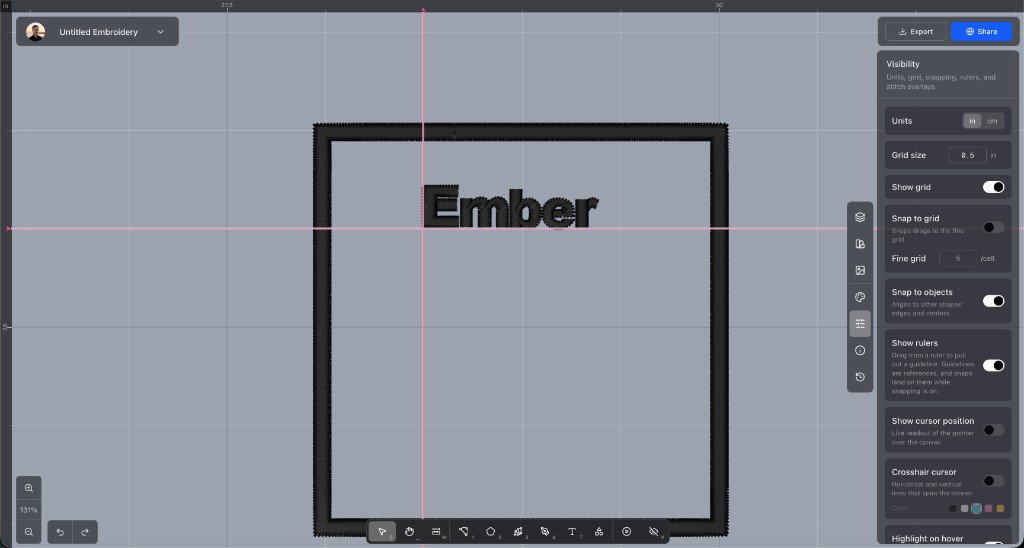
Turn on Show rulers first. You can only pull a guideline out while the rulers are on. Drag out from either ruler and the line comes with you. Drag it to move it, and drag it back onto the ruler, or double-click it, to take it off. Guidelines are saved with the project.
Turn on Snap to objects and shapes snap to those lines while you drag them.