Search, filter, and sort the sequencer
Find a shape by name, stitch, or color, then sort the list. The sew order stays put.
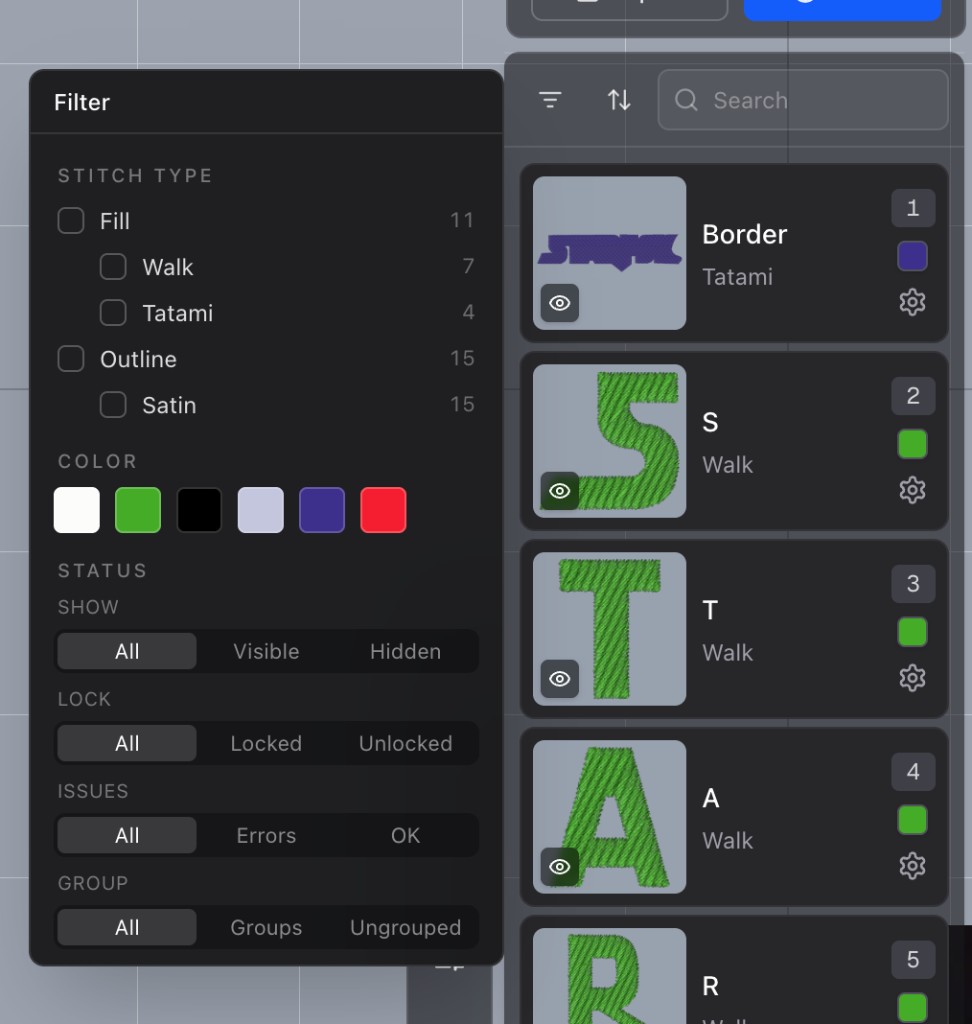
The shape sequencer now has search, a filter, and a sort. Type a name to narrow the list. The filter can keep a stitch type, including a specific run or fill, a color, visible or hidden shapes, locked or unlocked shapes, shapes with errors, and shapes in a group. Each choice shows up as a chip you can click away. Reset clears the search, the filters, and the sort.
You can sort by sequence, name, stitch type, color, or stitch count. That's just how the list looks on screen. The order the design sews stays the same.