Reorder and hide items in the sequencer
Type a new sequence number, hide a card, and scan a simpler sequencer.
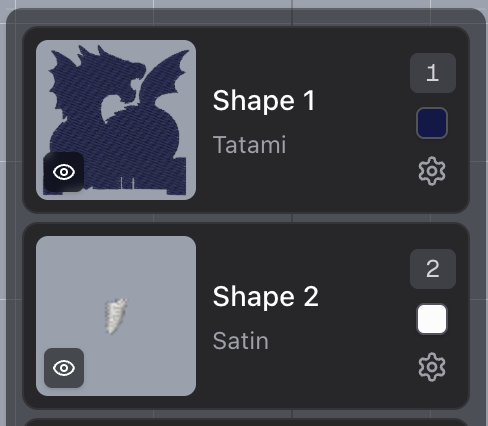
Click a sequence number and type where that item should sew. The list moves it there when you leave the field or press Enter. Numbers that run past the end of the list land on the last open spot.
Each shape, group, color, and image card also has an eye control, so you can hide something on the canvas without removing it from the design. The drag handle is gone. Press anywhere on the card to drag it. Buttons on the card, like the eye and the sequence number, still do their own job.