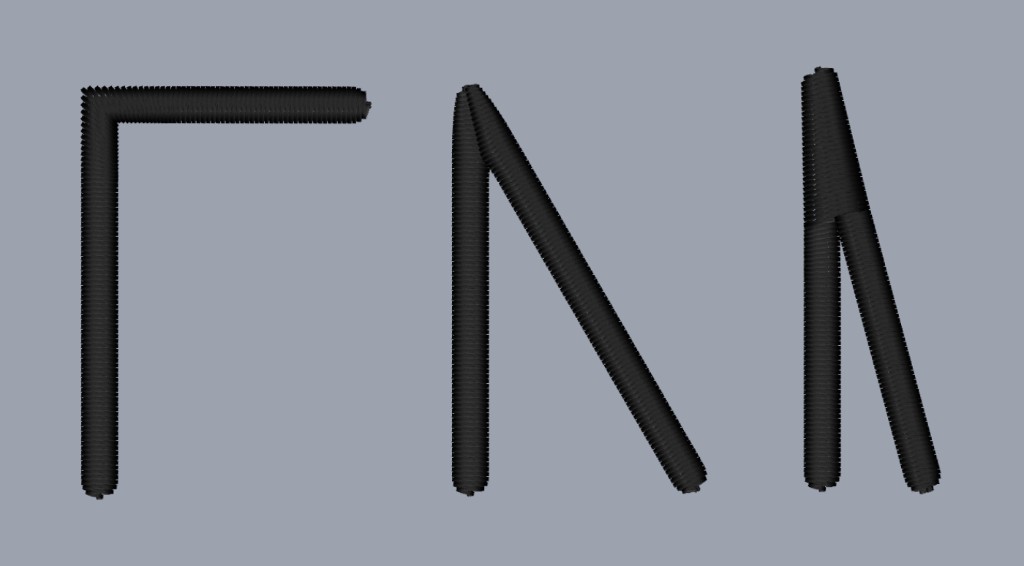
Automatic satin corner handling
Point a satin corner, ease it into a curve, or square it off. Open columns can finish each end the same way.
Smart Corners is in Path settings for satin, zigzag, and double zigzag. Slide from pointed, through curved, to squared until the corner looks right. Designs you saved before this update stay on that plain path until you switch it on. A new satin or zigzag starts with it on. Faux merrow skips this one.
End caps are the same idea for the two ends of an open column. Satin, zigzag, double zigzag, and faux merrow each get a Start slider and an End slider. The tip of a pointed or curved end sits right on the end of the path, and Start is the first point. Both ends begin squared, so the column finishes flush.