
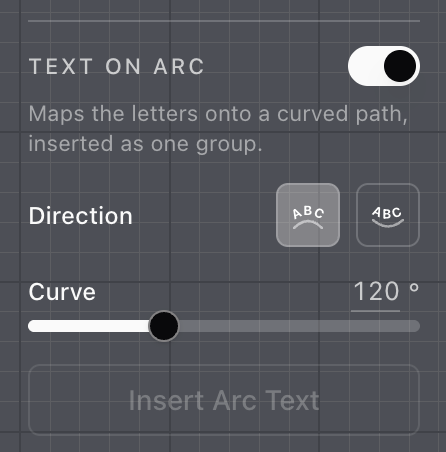
Quickly map text onto a curved path with the new Text on arc feature. Flip it on in the text panel, pick Arch up or Arch down to set the direction, then drag Curve until it looks right. Insert, and your letters land as one tidy group. If you had text selected, the arc takes its place.
It's really just a shortcut for a more advanced feature, map to path. Want something more complex than a simple arc? Reshape the path, or choose Edit map to path to get all the fancier path options.