
Ties and trims are dynamic now. Open the Project settings tab and choose when each one turns on.
Long jumps kicks in once a jump is at least as long as the number you set. Always leaves them on. Off leaves them alone.
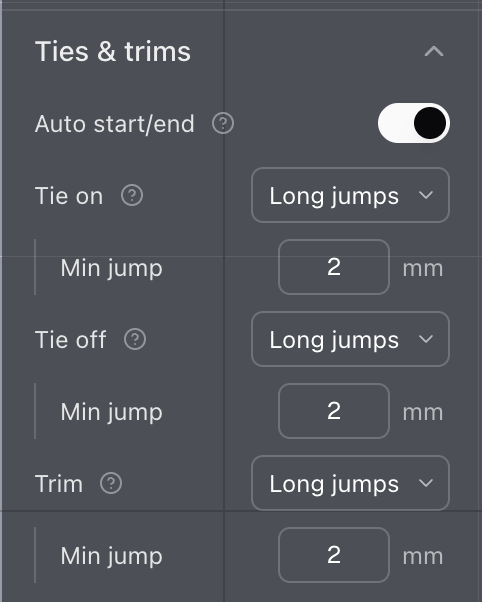
Pick when ties and trims turn on, right from Project settings.
Ties and trims are dynamic now. Open the Project settings tab and choose when each one turns on.
Long jumps kicks in once a jump is at least as long as the number you set. Always leaves them on. Off leaves them alone.